Hum: an offline music player that sings along with you
Hum plays the songs already on your phone. No account, no catalogue to browse — just your own library, done properly.
Your library, organised
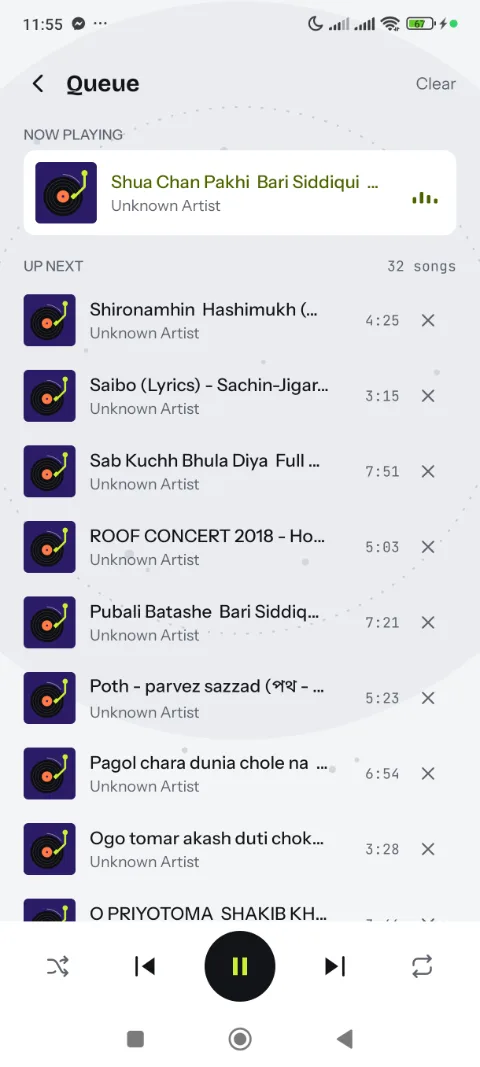
Browse by song, album, artist or playlist, favorite tracks, build a queue, and search across everything in one place. Hum adapts its layout to the screen it is on, and we gave portrait, landscape and tablet layouts their own passes so none of them feels like an afterthought.
We also fixed the kind of bug you only notice by listening: Shuffle all used to start from the same track every time. It doesn't any more.
- Platform
- Android
- Account
- Not needed
- Equalizer
- Five bands
- Car
- Android Auto
Lyrics that follow the song
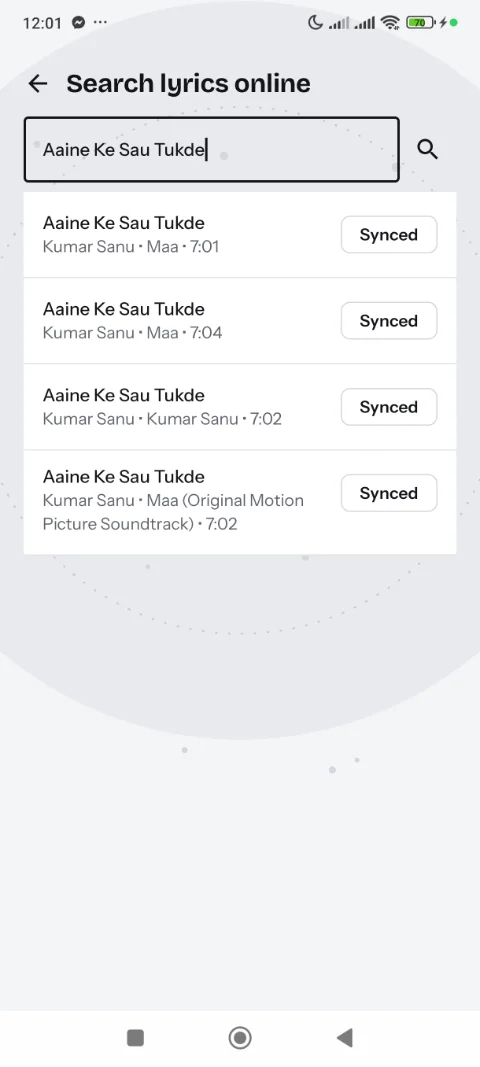
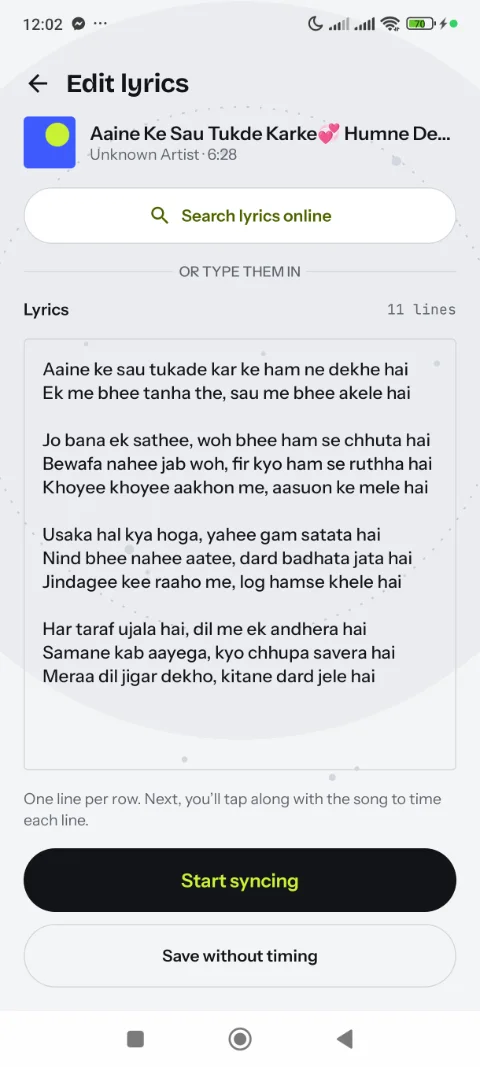
Hum can look up synced lyrics for almost any song, or let you add your own. As the music plays, the current line is highlighted. If a track's lyrics aren't timed yet, a simple tap-to-sync editor lets you tap along once — and Hum remembers.
Tap along once, and Hum remembers.
A real equalizer
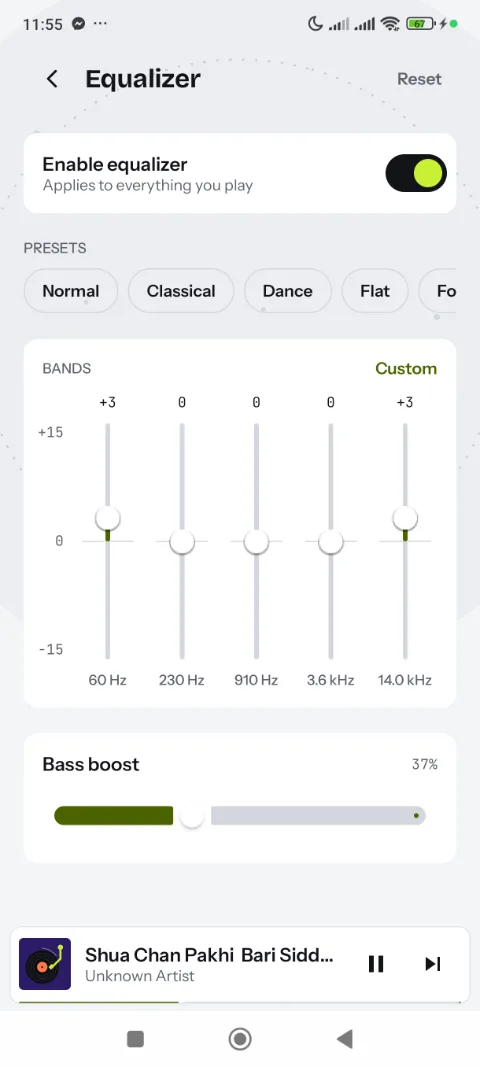
A five-band equalizer with genre presets and a bass boost slider, applied to everything you play. It is not locked behind a subscription.
The little things
- A sleep timer, a home screen widget with playback controls and Android Auto support.
- Light and dark themes that follow your system setting.
- An ambient background that flows across every screen, with a visualizer on Now playing.
- Album art with a fallback chain, ending in designed placeholder art instead of a generic note icon.
- Quick links to open a song in YouTube Music, Spotify, SoundCloud, Apple Music, Deezer, Tidal or JioSaavn when you would rather stream.
Honest about ads and privacy
Hum doesn't ask you to sign in, and it doesn't upload your music library anywhere. The only thing that leaves your device is a song's title and artist, sent to a free lyrics database (lrclib.net) when you look up lyrics. Hum is free and supported by one small banner ad, with an optional rewarded ad you can watch for a temporary ad-free period — never required to use the app. Where required, a consent screen asks first.